Vysor Features
Screen Casting, Remote Command & File Transfer
Discover the complete toolkit that puts your Android or iOS device on your desktop. From real-time mirroring to drag-and-drop file sharing, every feature is engineered for speed, reliability, and ease of use.
Screen Casting & Remote Command
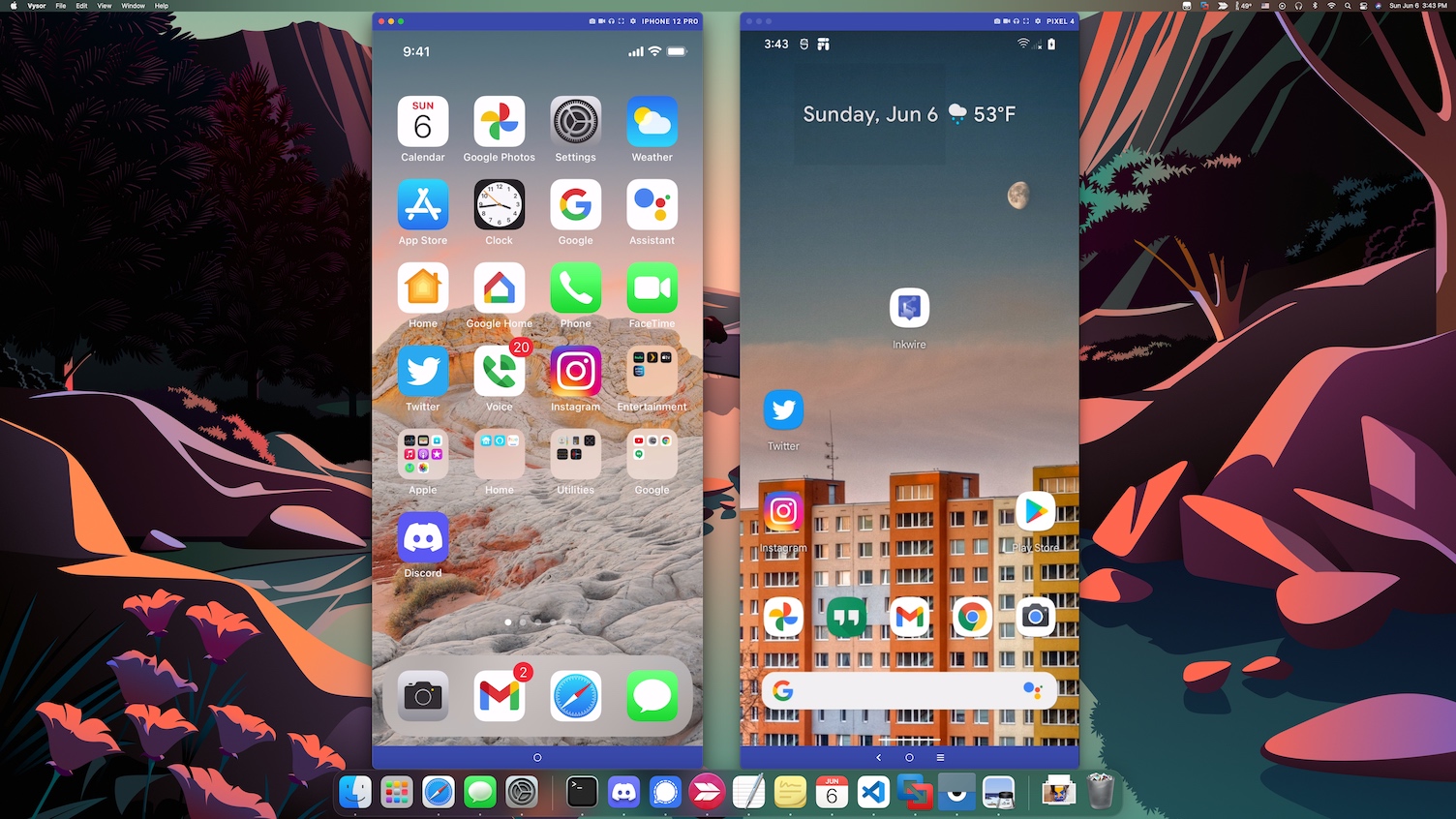
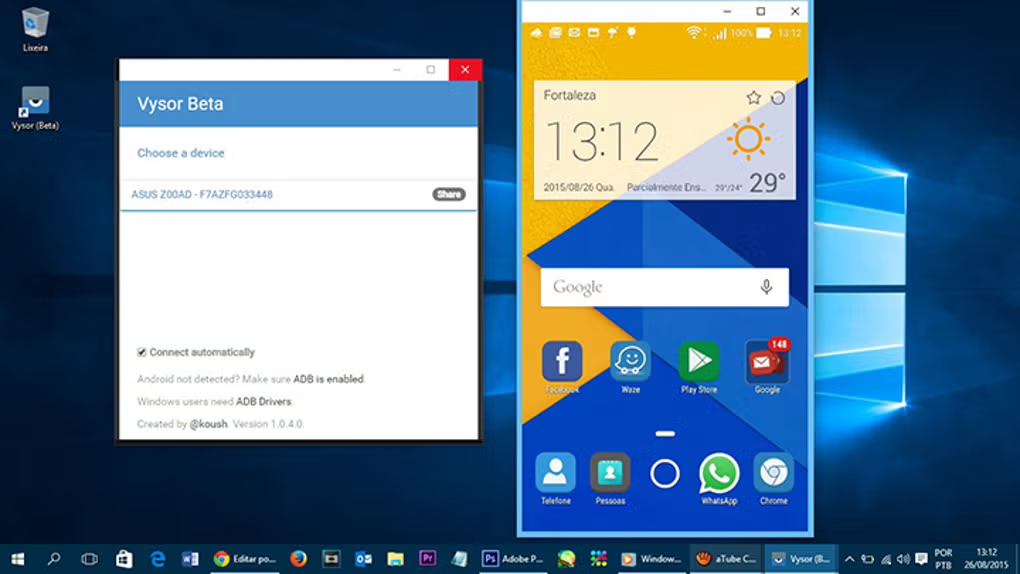
Mirror your Android or iOS display onto your Windows, macOS, or Linux desktop in real time. Interact with apps, swipe through interfaces, and manage your device as if it were a native desktop program. USB mode delivers near-zero latency, while Premium wireless mode lets you cast without cables once paired.
- ✓Real-time screen replication with minimal lag
- ✓Interactive touch simulation via mouse clicks
- ✓Automatic orientation detection and scaling
- ✓Support for multiple simultaneous devices
Keyboard & Mouse Integration
Stop pecking at a touchscreen. Vysor maps your physical keyboard and mouse directly to your mobile device, allowing you to type long emails, edit documents, and navigate interfaces with precision. Every keystroke and click is transmitted instantly for a seamless desktop-like experience.
- ✓Full keyboard typing with support for shortcuts
- ✓Mouse scrolling, clicking, and long-press emulation
- ✓Copy and paste text between desktop and device
- ✓Gamepad mapping for mobile gaming on PC
Wireless & USB Connectivity
Choose the connection that fits your workflow. USB delivers rock-solid stability and the lowest possible latency for development and gaming. Wireless mode, available with Premium, untethers you from cables and works across your local network for flexible device management from anywhere in the room.
- ✓Plug-and-play USB detection and pairing
- ✓Wi-Fi casting over local network (Premium)
- ✓Auto-reconnect on network changes
- ✓Switch between USB and Wi-Fi without restarting
Connection Comparison
Capture Options
Screenshot
One-click capture
Recording
Full session video
Batch Export
PNG / MP4 / GIF
Cloud Save
Auto-upload option
Screenshots & Screen Recording
Document bugs, create tutorials, or save memorable moments with built-in capture tools. Take instant screenshots with a single click or record entire screen sessions directly to your desktop in high quality. Export in multiple formats including PNG, MP4, and GIF for easy sharing.
- ✓One-click screenshot with auto-save
- ✓Full-screen video recording in HD
- ✓Export to PNG, MP4, or animated GIF
- ✓Optional timestamp and watermark overlay
Team Sharing
Share your device screen with colleagues, clients, or support agents anywhere in the world. Generate a secure link and grant view-only or full control access. Remote ADB access allows developers to debug devices they do not physically possess. Perfect for distributed teams and remote technical support.
- ✓Secure shareable links with access controls
- ✓View-only or full remote command modes
- ✓Remote ADB bridge for developers
- ✓End-to-end encrypted sharing sessions
How We Compare
See how Vysor stacks up against other popular screen casting and device management tools.
| Feature | Vysor | Scrcpy | ApowerMirror | AirDroid |
|---|---|---|---|---|
| Setup Time | Under 2 Min | 10+ Minutes | 5 Minutes | 5 Minutes |
| GUI Interface | Yes | Command Line | Yes | Yes |
| Wireless Casting | Premium Included | Free via ADB | Limited Free | Limited Free |
| iOS Support | Yes | No | Yes | Yes |
| Remote Sharing | Team Share | No | No | Limited |
| File Drag & Drop | Premium Included | No | Yes | Yes |
| Pricing | $2.50/mo | Free | $29.95/yr | $23.99/yr |
Comparison based on publicly available features as of 2026. Data may vary by version and platform.
Ready to Experience Every Feature?
Download Vysor today and unlock the full potential of your mobile device from your desktop. Free tier included.