Vysor 功能
屏幕镜像、远程控制与文件传输
Discover the complete toolkit that puts your Android or iOS device on your desktop. From real-time mirroring to drag-and-drop file sharing, every feature is engineered for speed, reliability, and ease of use.
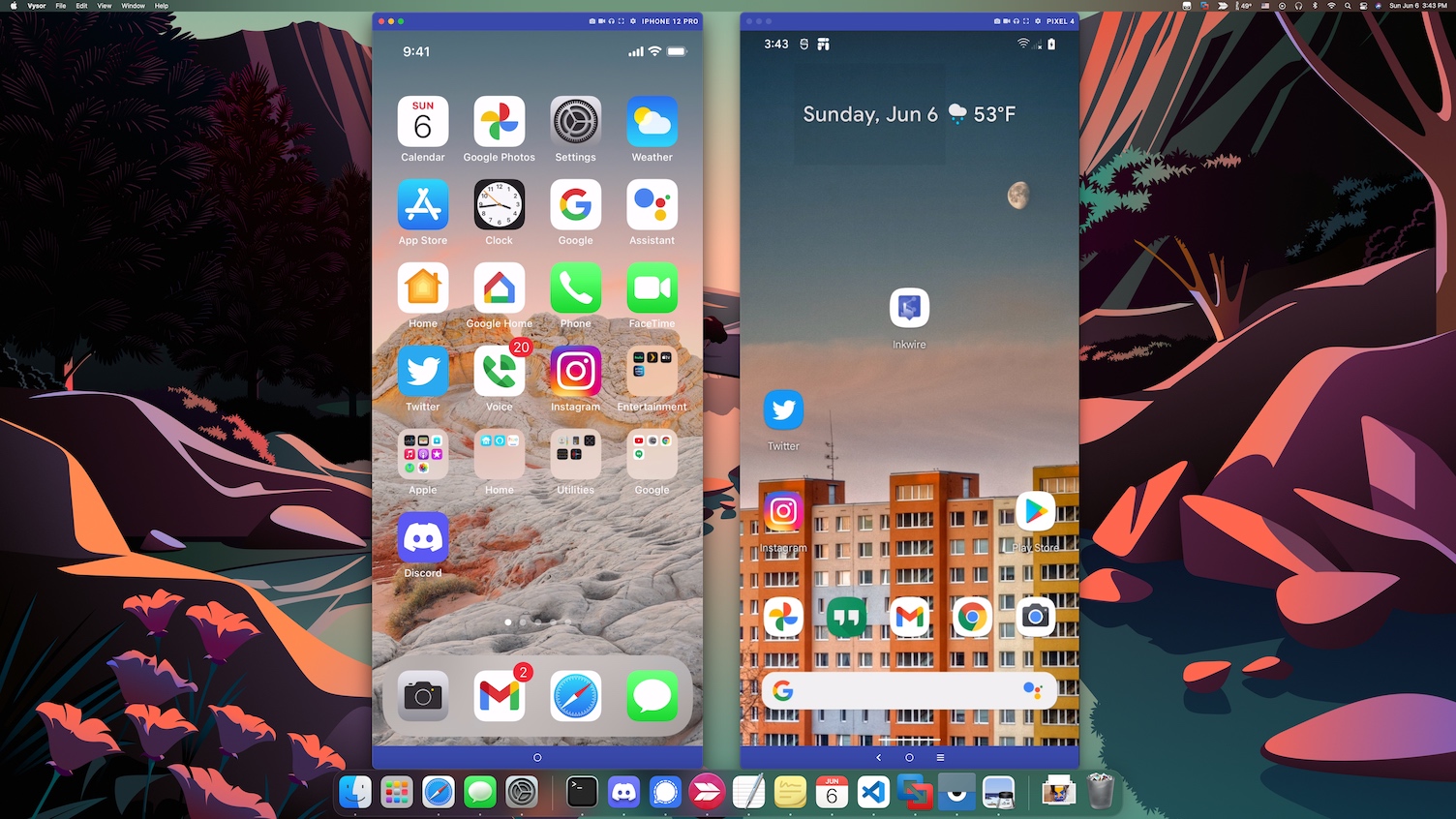
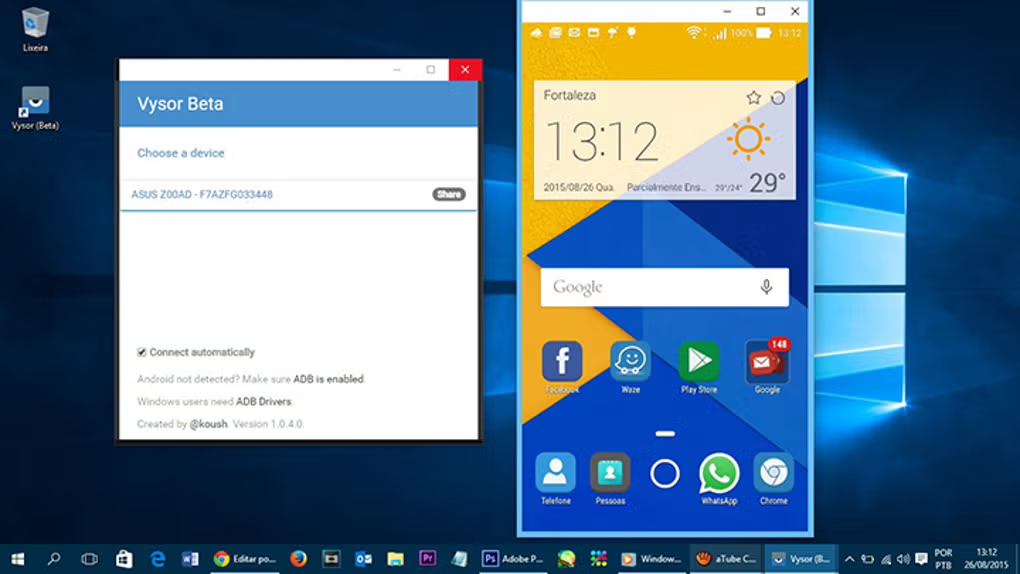
Vysor 直接在您的桌面上创建一个 Android 或 iOS 设备的实时交互窗口。镜像显示实时更新,让您无需触碰手机即可查看通知、应用交互和屏幕变化。
Mirror your Android or iOS display onto your Windows, macOS, or Linux desktop in real time. Interact with apps, swipe through interfaces, and manage your device as if it were a native desktop program. USB mode delivers near-zero latency, while Premium wireless mode lets you cast without cables once paired.
- 低延迟流媒体,响应迅速全屏模式,沉浸式观看
- 低延迟流媒体,响应迅速Pro 计划提供 HD 画质镜像
- 低延迟流媒体,响应迅速智能显示缩放,适配任意显示器尺寸
- 低延迟流媒体,响应迅速键盘与鼠标集成
专业提示
Stop pecking at a touchscreen. Vysor maps your physical keyboard and mouse directly to your mobile device, allowing you to type long emails, edit documents, and navigate interfaces with precision. Every keystroke and click is transmitted instantly for a seamless desktop-like experience.
- 低延迟流媒体,响应迅速用鼠标进行指向、点击和滚动
- 低延迟流媒体,响应迅速多指触控手势模拟
- 低延迟流媒体,响应迅速桌面与设备间复制粘贴
- 低延迟流媒体,响应迅速使用键盘快捷键即时截图或切换全屏,无需触碰设备。
选择适合您工作流的连接方式。USB 提供最低延迟和最稳定的体验,而 Wi-Fi 让您无需线缆自由移动。Vysor 让模式切换轻松自如。
Choose the connection that fits your workflow. USB delivers rock-solid stability and the lowest possible latency for development and gaming. Wireless mode, available with Premium, untethers you from cables and works across your local network for flexible device management from anywhere in the room.
- 低延迟流媒体,响应迅速Wi-Fi 模式,无需线缆的便利
- 低延迟流媒体,响应迅速网络变更时自动重连
- 低延迟流媒体,响应迅速跨平台桌面客户端
- 低延迟流媒体,响应迅速注意
无线镜像需要 Pro 订阅。免费版仅支持 USB 连接。
高级功能
无需额外应用即可即时传输文件
高级功能
支持图片、视频、文档、APK
高级功能
本地连接无文件大小限制
高级功能
支持双向传输
使用场景
团队协作
Document bugs, create tutorials, or save memorable moments with built-in capture tools. Take instant screenshots with a single click or record entire screen sessions directly to your desktop in high quality. Export in multiple formats including PNG, MP4, and GIF for easy sharing.
- 低延迟流媒体,响应迅速通过简单安全链接分享
- 低延迟流媒体,响应迅速开发者远程 ADB 访问
- 低延迟流媒体,响应迅速基于角色的访问控制
- 低延迟流媒体,响应迅速提供企业设备集群管理
从单一仪表板连接和切换多个设备。非常适合 QA 团队同时测试不同屏幕尺寸和 Android 版本。
Share your device screen with colleagues, clients, or support agents anywhere in the world. Generate a secure link and grant view-only or full control access. Remote ADB access allows developers to debug devices they do not physically possess. Perfect for distributed teams and remote technical support.
- 低延迟流媒体,响应迅速下载 Vysor
- 低延迟流媒体,响应迅速×
- 低延迟流媒体,响应迅速Remote ADB bridge for developers
- 低延迟流媒体,响应迅速End-to-end encrypted sharing sessions
How We Compare
See how Vysor stacks up against other popular screen casting and device management tools.
| Feature | Vysor | Scrcpy | ApowerMirror | AirDroid |
|---|---|---|---|---|
| Setup Time | Under 2 Min | 10+ Minutes | 5 Minutes | 5 Minutes |
| GUI Interface | Yes | Command Line | Yes | Yes |
| Wireless Casting | Premium Included | Free via ADB | Limited Free | Limited Free |
| iOS Support | Yes | No | Yes | Yes |
| Remote Sharing | Team Share | No | No | Limited |
| File Drag & Drop | Premium Included | No | Yes | Yes |
| Pricing | $2.50/mo | Free | $29.95/yr | $23.99/yr |
Comparison based on publicly available features as of 2026. Data may vary by version and platform.
Ready to Experience Every Feature?
Download Vysor today and unlock the full potential of your mobile device from your desktop. Free tier included.